Text-to-image story scenes
Turn a lesson brief into a static illustration. Describe what the learner should notice and give the main subject a clear position in the frame. Generation creates one image per request.
年額払い Everygen AIの年額プランは、月額払いより約50%お得です
 Everygen
Create learning-story illustrations with Nano Banana 2.1 on Everygen. Generate from text or edit your references, choose 1K, 2K or 4K, and review the credit quote before creating.
Nano Banana 2.1 is an image generation and editing model available through SnapGen. For educators and adult story creators, start with a concrete learning objective: the stages of a plant, the shape of a habitat, or a character discovering a new idea. Describe the subject, composition, lighting and intended age range. Use your own reference image when you want to revise a scene. Review factual details and visual readability before adding the result to a lesson or video. The artwork on this page is an original concept illustration, not a verified output benchmark.
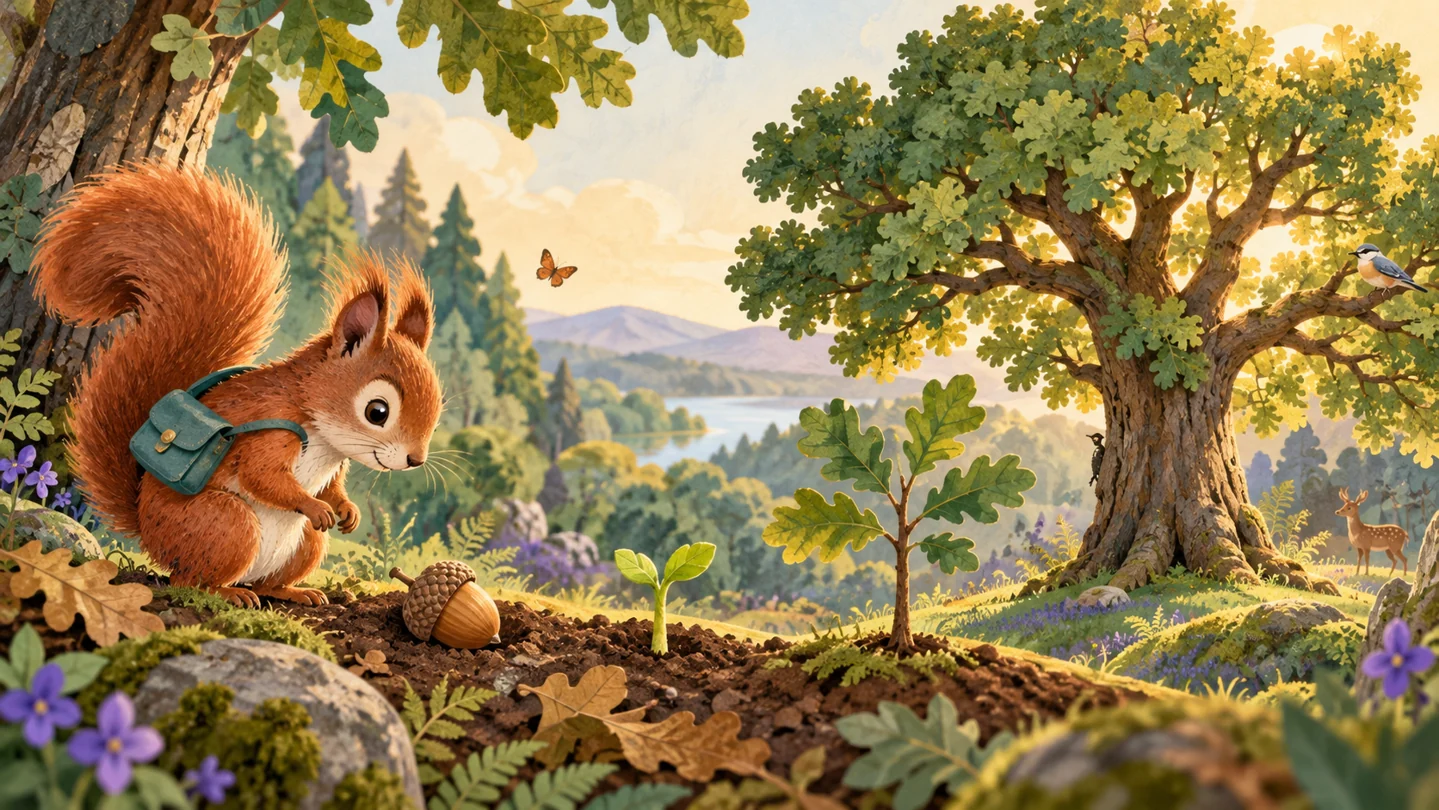
Turn a lesson brief into a static illustration. Describe what the learner should notice and give the main subject a clear position in the frame. Generation creates one image per request.
Use owned images as references and state the change explicitly. The gateway accepts up to 16 references; the workspace applies its own upload and ownership checks. Compare the result with the original rather than assuming exact character or factual consistency.
1K works for initial concepts, while 2K and 4K offer larger outputs for selected illustrations. Choose a supported aspect ratio for the story page or video frame. The server quotes credits for the selected resolution before submission.
Write one scene, one subject and one learning goal. Include camera framing, visual style and any details that must be preserved. Upload your own references for image editing.
Choose text-to-image or image-to-image, a supported aspect ratio and 1K, 2K or 4K. Sign in and check the displayed quote; higher-resolution requests use more credits.
Wait for the tracked task to complete. Inspect anatomy, labels, continuity and educational facts, then save the delivered image to your Assets. Confirmed failed tasks follow the existing credit refund policy.
月額プラン、年額払い、買い切りのクレジットパックを比較できます。購入前に利用枠、有効期限、エディターの生成見積もりをご確認ください。
年1回のお支払い・自動更新はいつでも停止できます
0.025 / クレジット
$179 年額払い · 割引 $179.8
 MiniMax H3
 HappyHorse 1.1
 Seedance 2.5
 Grok Imagine 1.5
 Gemini Omni
 GPT Image 2.5
 Seedream 5.0 ProNano Banana 2 LiteGPT Image 2Nano Banana 2.1
0.017 / クレジット
$299 年額払い · 割引 $299.8
MiniMax H3HappyHorse 1.1Seedance 2.5Grok Imagine 1.5Gemini OmniGPT Image 2.5Seedream 5.0 ProNano Banana 2 LiteGPT Image 2Nano Banana 2.10.014 / クレジット
$599 年額払い · 割引 $599.8
MiniMax H3HappyHorse 1.1Seedance 2.5Grok Imagine 1.5Gemini OmniGPT Image 2.5Seedream 5.0 ProNano Banana 2 LiteGPT Image 2Nano Banana 2.10.012 / クレジット
$1,199 年額払い · 割引 $1,199.8
MiniMax H3HappyHorse 1.1Seedance 2.5Grok Imagine 1.5Gemini OmniGPT Image 2.5Seedream 5.0 ProNano Banana 2 LiteGPT Image 2Nano Banana 2.1専門的な加工機能は、モデル選択とは別に用意しています。
MiniMax H3エディターで現在の見積もりを確認HappyHorse 1.1エディターで現在の見積もりを確認Seedance 2.5エディターで現在の見積もりを確認Grok Imagine 1.5エディターで現在の見積もりを確認Gemini Omniエディターで現在の見積もりを確認GPT Image 2.5エディターで現在の見積もりを確認Seedream 5.0 Proエディターで現在の見積もりを確認Nano Banana 2 Liteエディターで現在の見積もりを確認GPT Image 2エディターで現在の見積もりを確認Nano Banana 2.1エディターで現在の見積もりを確認生成に必要なクレジットは、モデル、対応設定、提供サービスによって異なります。送信前にエディターの最新見積もりをご確認ください。
年額プランのカードには、月額換算の利用枠を表示しています。決済完了時に1年分のクレジットをまとめて付与し、365日で失効します。月額プランのクレジットは30日間有効です。パックの有効期限は各カードをご確認ください。
Create learning-story illustrations with Nano Banana 2.1 on Everygen. Generate from text or edit your references, choose 1K, 2K or 4K, and review the credit quote before creating.