Text-to-image story scenes
Turn a lesson brief into a static illustration. Describe what the learner should notice and give the main subject a clear position in the frame. Generation creates one image per request.
Pagamento annuale Annuale Everygen: circa 50% in meno di dodici pagamenti mensili
 Everygen
Create learning-story illustrations with Nano Banana 2.1 on Everygen. Generate from text or edit your references, choose 1K, 2K or 4K, and review the credit quote before creating.
Nano Banana 2.1 is an image generation and editing model available through SnapGen. For educators and adult story creators, start with a concrete learning objective: the stages of a plant, the shape of a habitat, or a character discovering a new idea. Describe the subject, composition, lighting and intended age range. Use your own reference image when you want to revise a scene. Review factual details and visual readability before adding the result to a lesson or video. The artwork on this page is an original concept illustration, not a verified output benchmark.
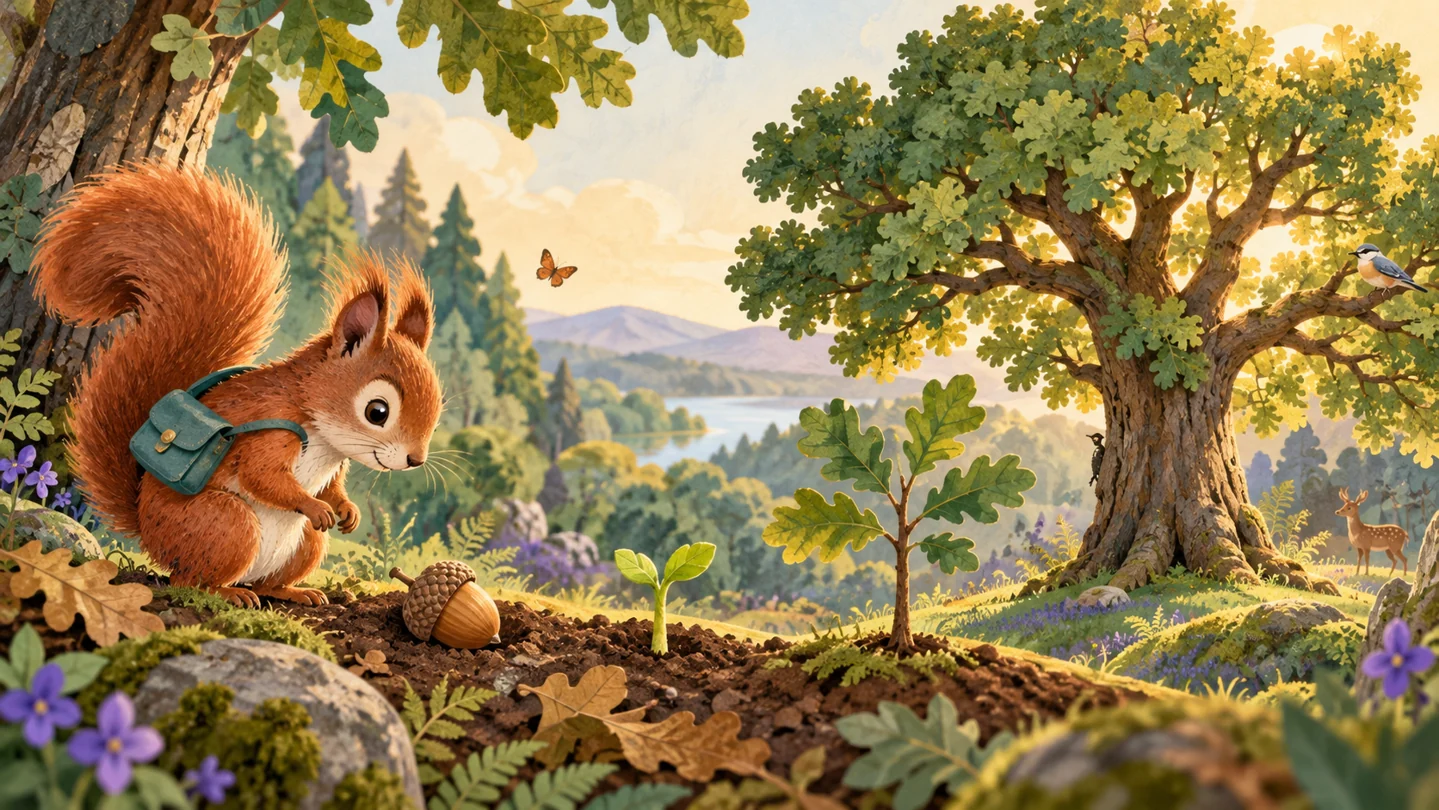
Turn a lesson brief into a static illustration. Describe what the learner should notice and give the main subject a clear position in the frame. Generation creates one image per request.
Use owned images as references and state the change explicitly. The gateway accepts up to 16 references; the workspace applies its own upload and ownership checks. Compare the result with the original rather than assuming exact character or factual consistency.
1K works for initial concepts, while 2K and 4K offer larger outputs for selected illustrations. Choose a supported aspect ratio for the story page or video frame. The server quotes credits for the selected resolution before submission.
Write one scene, one subject and one learning goal. Include camera framing, visual style and any details that must be preserved. Upload your own references for image editing.
Choose text-to-image or image-to-image, a supported aspect ratio and 1K, 2K or 4K. Sign in and check the displayed quote; higher-resolution requests use more credits.
Wait for the tracked task to complete. Inspect anatomy, labels, continuity and educational facts, then save the delivered image to your Assets. Confirmed failed tasks follow the existing credit refund policy.
Confronta abbonamenti mensili, annuali e pacchetti. Verifica il totale, l’assegnazione dei crediti e la scadenza; la singola richiesta ha una stima nell’editor.
Un addebito all’anno · Rinnovo annullabile
0,025 / credito
$179 fatturato annualmente · Risparmia $179,8
 MiniMax H3
 HappyHorse 1.1
 Seedance 2.5
 Grok Imagine 1.5
 Gemini Omni
 GPT Image 2.5
 Seedream 5.0 ProNano Banana 2 LiteGPT Image 2Nano Banana 2.1
0,017 / credito
$299 fatturato annualmente · Risparmia $299,8
MiniMax H3HappyHorse 1.1Seedance 2.5Grok Imagine 1.5Gemini OmniGPT Image 2.5Seedream 5.0 ProNano Banana 2 LiteGPT Image 2Nano Banana 2.10,014 / credito
$599 fatturato annualmente · Risparmia $599,8
MiniMax H3HappyHorse 1.1Seedance 2.5Grok Imagine 1.5Gemini OmniGPT Image 2.5Seedream 5.0 ProNano Banana 2 LiteGPT Image 2Nano Banana 2.10,012 / credito
$1199 fatturato annualmente · Risparmia $1199,8
MiniMax H3HappyHorse 1.1Seedance 2.5Grok Imagine 1.5Gemini OmniGPT Image 2.5Seedream 5.0 ProNano Banana 2 LiteGPT Image 2Nano Banana 2.1Le operazioni specialistiche hanno un catalogo separato.
MiniMax H3Stima attuale nell’editorHappyHorse 1.1Stima attuale nell’editorSeedance 2.5Stima attuale nell’editorGrok Imagine 1.5Stima attuale nell’editorGemini OmniStima attuale nell’editorGPT Image 2.5Stima attuale nell’editorSeedream 5.0 ProStima attuale nell’editorNano Banana 2 LiteStima attuale nell’editorGPT Image 2Stima attuale nell’editorNano Banana 2.1Stima attuale nell’editorLa richiesta dipende da modello, opzioni supportate e servizio configurato. Controlla la stima nell’editor prima di inviarla.
Le schede annuali mostrano una quota mensile equivalente. Al pagamento vengono assegnati tutti i crediti annuali, validi per 365 giorni; i crediti mensili durano 30 giorni. La validità dei pacchetti è indicata nelle rispettive schede.
Create learning-story illustrations with Nano Banana 2.1 on Everygen. Generate from text or edit your references, choose 1K, 2K or 4K, and review the credit quote before creating.