Visual hierarchy
Place the focal subject and reserved text areas deliberately rather than asking for several competing layouts.
Annual billing Everygen annual plans cost about 50% less than monthly billing
 Everygen
Draft an image with GPT Image 2.5 using a deliberate visual brief. Describe layout, material and light, then review reference editing and export options.
This page opens the GPT Image 2.5 model workspace. Establish a visual hierarchy and material brief first, then switch to a supported reference-editing mode when an existing image should guide the layout or identity.

Place the focal subject and reserved text areas deliberately rather than asking for several competing layouts.
Use a supported reference mode and describe the details to retain; review small parts and lettering against the source.
Inspect the actual output format and dimensions, then compare image detail at the size where it will be used.
Describe the subject, layout, materials and light for one still composition.
Check the selected model or tool, its offered output controls and current credit estimate. Submit only when the required service is available.
Compare the result with the source or brief at the intended display size, then inspect small details before saving the selected image.
Name the focal subject, supporting objects and any reserved text region in the written brief.
Use a plausible light source and recognizable surface finish to guide a coherent still composition.
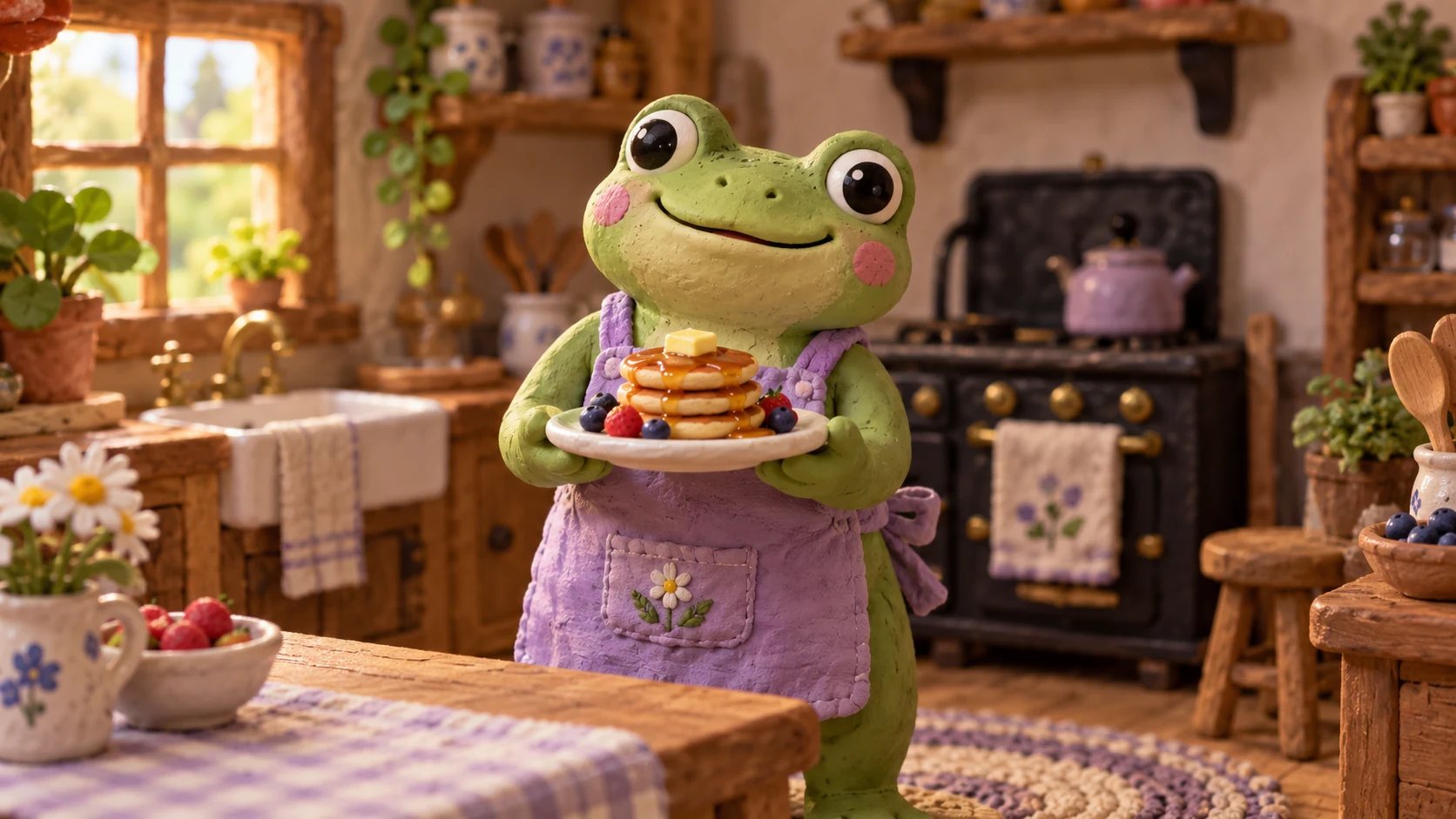
When a source matters, identify the details to preserve and compare them after the image request.
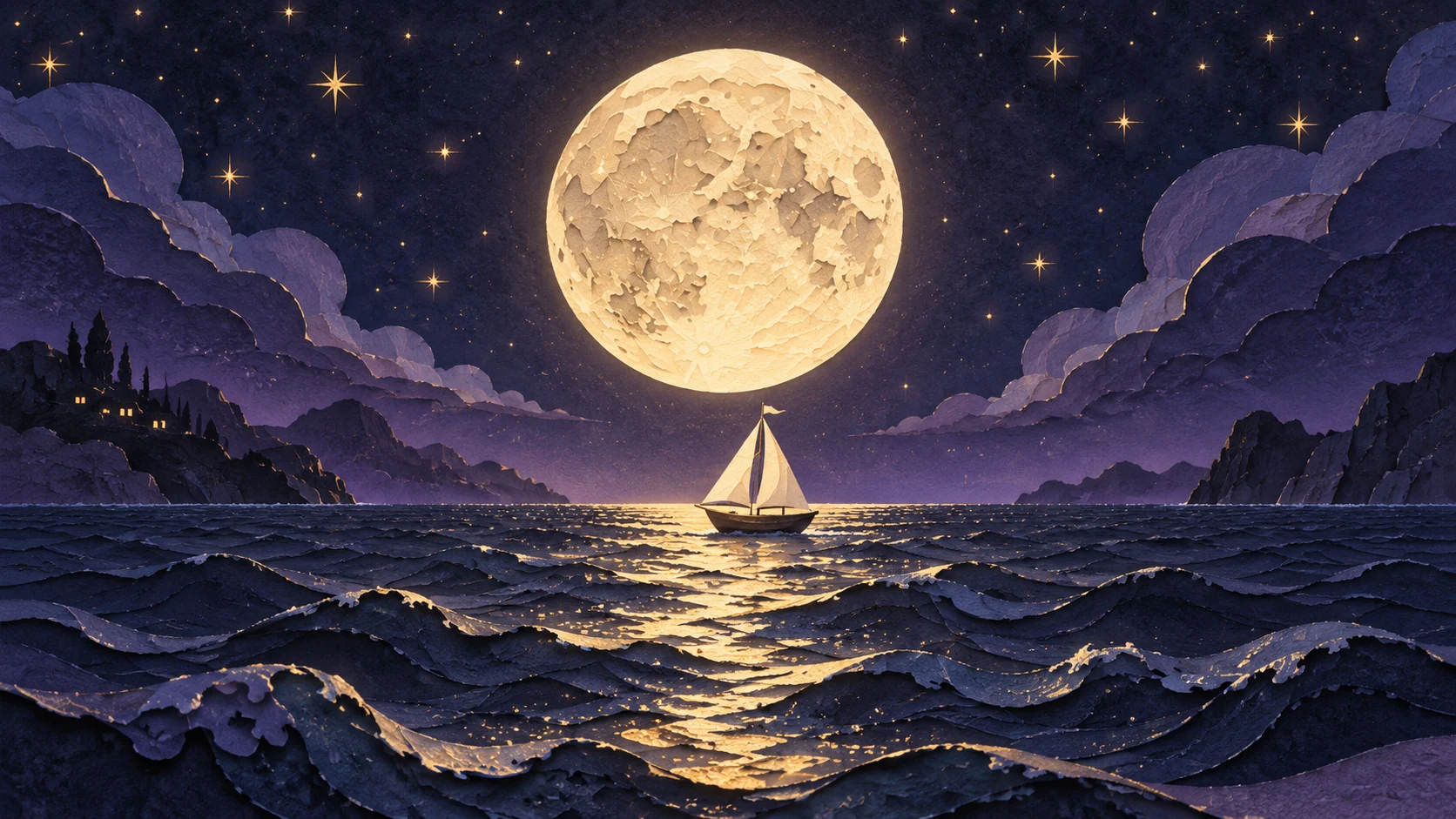
Check text, small symbols and duplicated components before treating the image as finished design material.
Review actual format and dimensions rather than assuming every provider mapping exposes the same output choices.
Newly generated illustrations show possible art direction. Adapt the original briefs for your own inputs and compare the result.
A carefully lit ceramic sculpture in a quiet gallery, strong silhouette, soft violet reflections and generous negative space.
A carefully lit ceramic sculpture in a quiet gallery, strong silhouette, soft violet reflections and generous negative space. Keep the composition simple and show the subject clearly.
A carefully lit ceramic sculpture in a quiet gallery, strong silhouette, soft violet reflections and generous negative space. Use restrained lighting and review fine details at the final viewing size.
Compare monthly plans, annual billing and one-time credit packs. Check allowances, credit expiry and the editor estimate before choosing paid access.
Billed once yearly · Cancel renewal anytime
0.025 / credit
$179 billed yearly · Save $179.8
 MiniMax H3
 HappyHorse 1.1
 Seedance 2.5
 Grok Imagine 1.5
 Gemini Omni
 GPT Image 2.5
 Seedream 5.0 ProNano Banana 2 LiteGPT Image 2Nano Banana 2
0.017 / credit
$299 billed yearly · Save $299.8
MiniMax H3HappyHorse 1.1Seedance 2.5Grok Imagine 1.5Gemini OmniGPT Image 2.5Seedream 5.0 ProNano Banana 2 LiteGPT Image 2Nano Banana 20.014 / credit
$599 billed yearly · Save $599.8
MiniMax H3HappyHorse 1.1Seedance 2.5Grok Imagine 1.5Gemini OmniGPT Image 2.5Seedream 5.0 ProNano Banana 2 LiteGPT Image 2Nano Banana 20.012 / credit
$1,199 billed yearly · Save $1,199.8
MiniMax H3HappyHorse 1.1Seedance 2.5Grok Imagine 1.5Gemini OmniGPT Image 2.5Seedream 5.0 ProNano Banana 2 LiteGPT Image 2Nano Banana 2Specialized operations stay separate from the model list.
MiniMax H3Live estimate in the editorHappyHorse 1.1Live estimate in the editorSeedance 2.5Live estimate in the editorGrok Imagine 1.5Live estimate in the editorGemini OmniLive estimate in the editorGPT Image 2.5Live estimate in the editorSeedream 5.0 ProLive estimate in the editorNano Banana 2 LiteLive estimate in the editorGPT Image 2Live estimate in the editorNano Banana 2Live estimate in the editorGeneration costs depend on the selected model, supported settings and configured provider. The editor shows the current estimate before submission.
Annual cards show a monthly-equivalent allowance. The full annual credit allowance is granted on successful payment and expires after 365 days; monthly credits are valid for 30 days. Credit-pack validity is shown on each card.
Draft an image with GPT Image 2.5 using a deliberate visual brief. Describe layout, material and light, then review reference editing and export options.