Character silhouette
Describe a few recognizable shapes and details instead of crowding the character with unrelated accessories.
Annual billing Everygen annual plans cost about 50% less than monthly billing
 Everygen
Create an original anime character or setting from a visual brief. Define the silhouette, costume and line style, then inspect details across the image.
An original adult anime botanist in a teal coat holding a field notebook, greenhouse background and crisp ink lines.
Begin with an original character's silhouette, costume and expression. A simple setting makes design decisions easier to compare, while a consistent line treatment and palette help organize the finished illustration.
Describe a few recognizable shapes and details instead of crowding the character with unrelated accessories.
Specify garment construction and colors, then check seams, fasteners and symmetry in the result.
Choose line thickness, shading and background detail that work together as one illustration style.
Write a visual brief with a subject, layout, material and light.
Check the selected model or tool, its offered output controls and current credit estimate. Submit only when the required service is available.
Compare the result with the source or brief at the intended display size, then inspect small details before saving the selected image.
Choose a few distinctive shapes and details that make the character readable without crowding the design.
Specify garment colors and construction, then inspect closures, seams and repeated accessories.
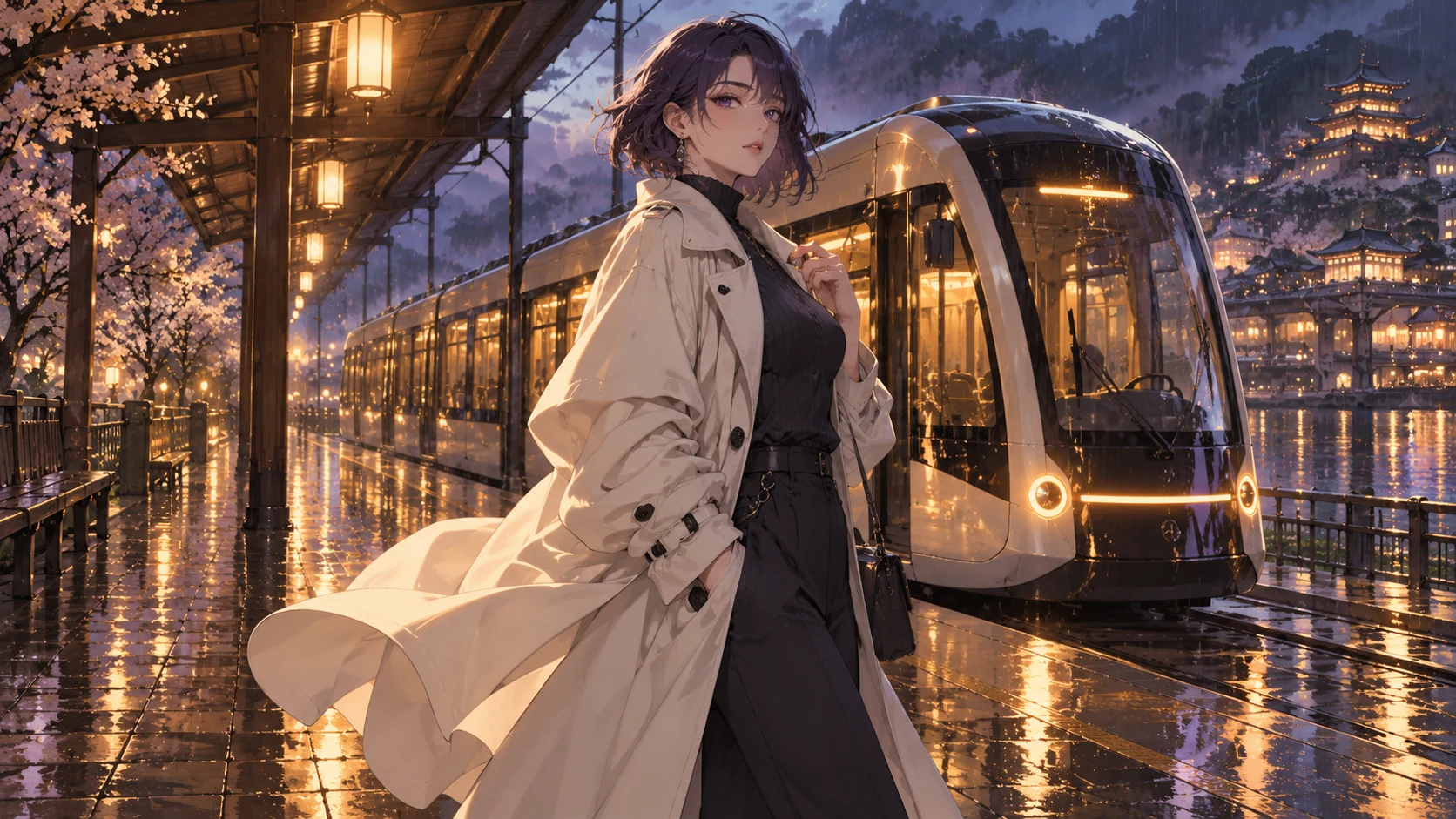
Keep stroke weight and shadow style consistent between the character and setting.
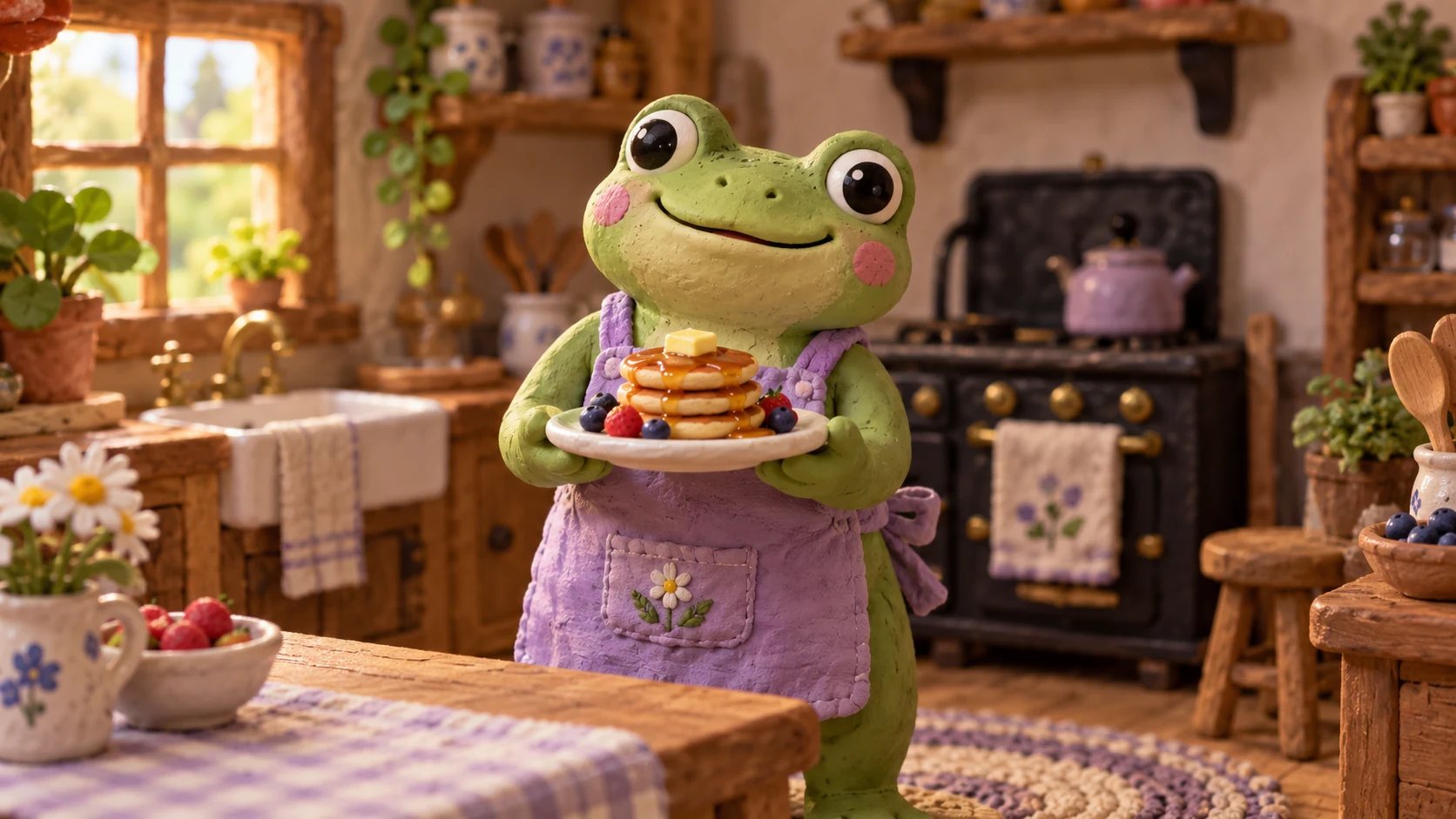
A simple location or prop can explain the character's world without overwhelming the focal subject.
Review eyes, hands and costume symmetry before using the concept in a larger illustration workflow.
Newly generated illustrations show possible art direction. Adapt the original briefs for your own inputs and compare the result.
An original adult anime botanist in a teal coat holding a field notebook, greenhouse background and crisp ink lines.
An original adult anime botanist in a teal coat holding a field notebook, greenhouse background and crisp ink lines. Keep the composition simple and show the subject clearly.
An original adult anime botanist in a teal coat holding a field notebook, greenhouse background and crisp ink lines. Use restrained lighting and review fine details at the final viewing size.
Compare monthly plans, annual billing and one-time credit packs. Check allowances, credit expiry and the editor estimate before choosing paid access.
Billed once yearly · Cancel renewal anytime
0.025 / credit
$179 billed yearly · Save $179.8
 MiniMax H3
 HappyHorse 1.1
 Seedance 2.5
 Grok Imagine 1.5
 Gemini Omni
 GPT Image 2.5
 Seedream 5.0 ProNano Banana 2 LiteGPT Image 2Nano Banana 2
0.017 / credit
$299 billed yearly · Save $299.8
MiniMax H3HappyHorse 1.1Seedance 2.5Grok Imagine 1.5Gemini OmniGPT Image 2.5Seedream 5.0 ProNano Banana 2 LiteGPT Image 2Nano Banana 20.014 / credit
$599 billed yearly · Save $599.8
MiniMax H3HappyHorse 1.1Seedance 2.5Grok Imagine 1.5Gemini OmniGPT Image 2.5Seedream 5.0 ProNano Banana 2 LiteGPT Image 2Nano Banana 20.012 / credit
$1,199 billed yearly · Save $1,199.8
MiniMax H3HappyHorse 1.1Seedance 2.5Grok Imagine 1.5Gemini OmniGPT Image 2.5Seedream 5.0 ProNano Banana 2 LiteGPT Image 2Nano Banana 2Specialized operations stay separate from the model list.
MiniMax H3Live estimate in the editorHappyHorse 1.1Live estimate in the editorSeedance 2.5Live estimate in the editorGrok Imagine 1.5Live estimate in the editorGemini OmniLive estimate in the editorGPT Image 2.5Live estimate in the editorSeedream 5.0 ProLive estimate in the editorNano Banana 2 LiteLive estimate in the editorGPT Image 2Live estimate in the editorNano Banana 2Live estimate in the editorGeneration costs depend on the selected model, supported settings and configured provider. The editor shows the current estimate before submission.
Annual cards show a monthly-equivalent allowance. The full annual credit allowance is granted on successful payment and expires after 365 days; monthly credits are valid for 30 days. Credit-pack validity is shown on each card.
Create an original anime character or setting from a visual brief. Define the silhouette, costume and line style, then inspect details across the image.