Subject action
Each useful brief names a visible subject and a specific action that can fit into a short scene.
Annual billing Everygen annual plans cost about 50% less than monthly billing
 Everygen
Browse original video prompts for subject action, camera movement and shot timing. Copy a brief into the generator, then adapt it to your selected model.
The library contains original scene briefs rather than a set of verified model outputs. Copy a relevant starting point, replace the subject and action deliberately, and confirm that the chosen model accepts the planned duration and inputs.
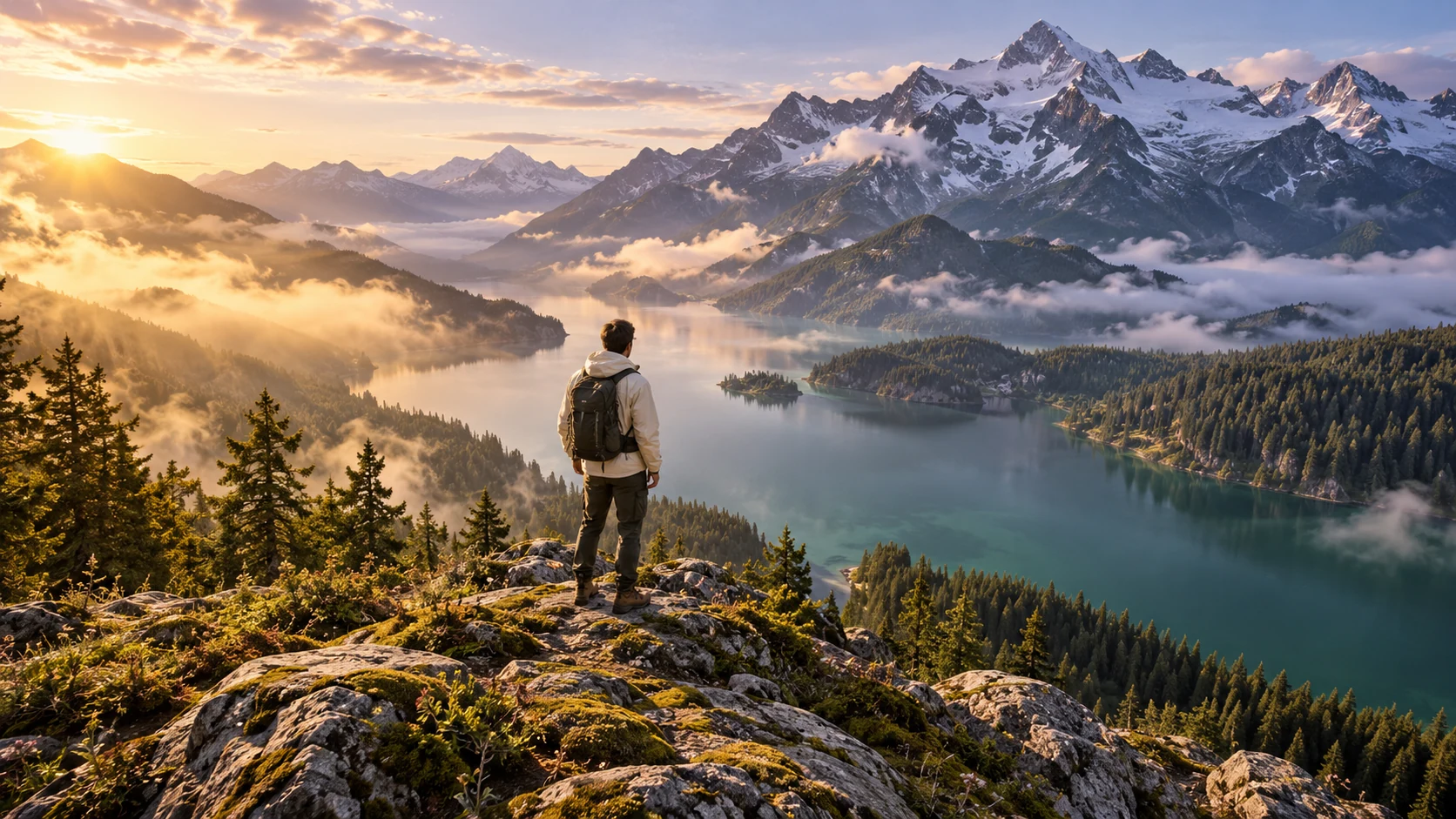
Each useful brief names a visible subject and a specific action that can fit into a short scene.
Separate the camera instruction from the character's movement and state how quickly each should happen.
Keep the parts of the prompt that explain the shot, then adapt its setting and details to your own production goal.
Choose an original library brief, adapt its subject and setting, then open the generator and inspect the selected model's supported inputs.
Replace the subject and setting deliberately, then open the generator and review the offered input mode, duration and output settings.
Watch the actual result and revise the instruction behind a specific difference in action, camera or timing.
Choose a brief that describes an action or camera idea relevant to your own production goal.
Use the brief in the video generator, then adapt the subject and setting deliberately.
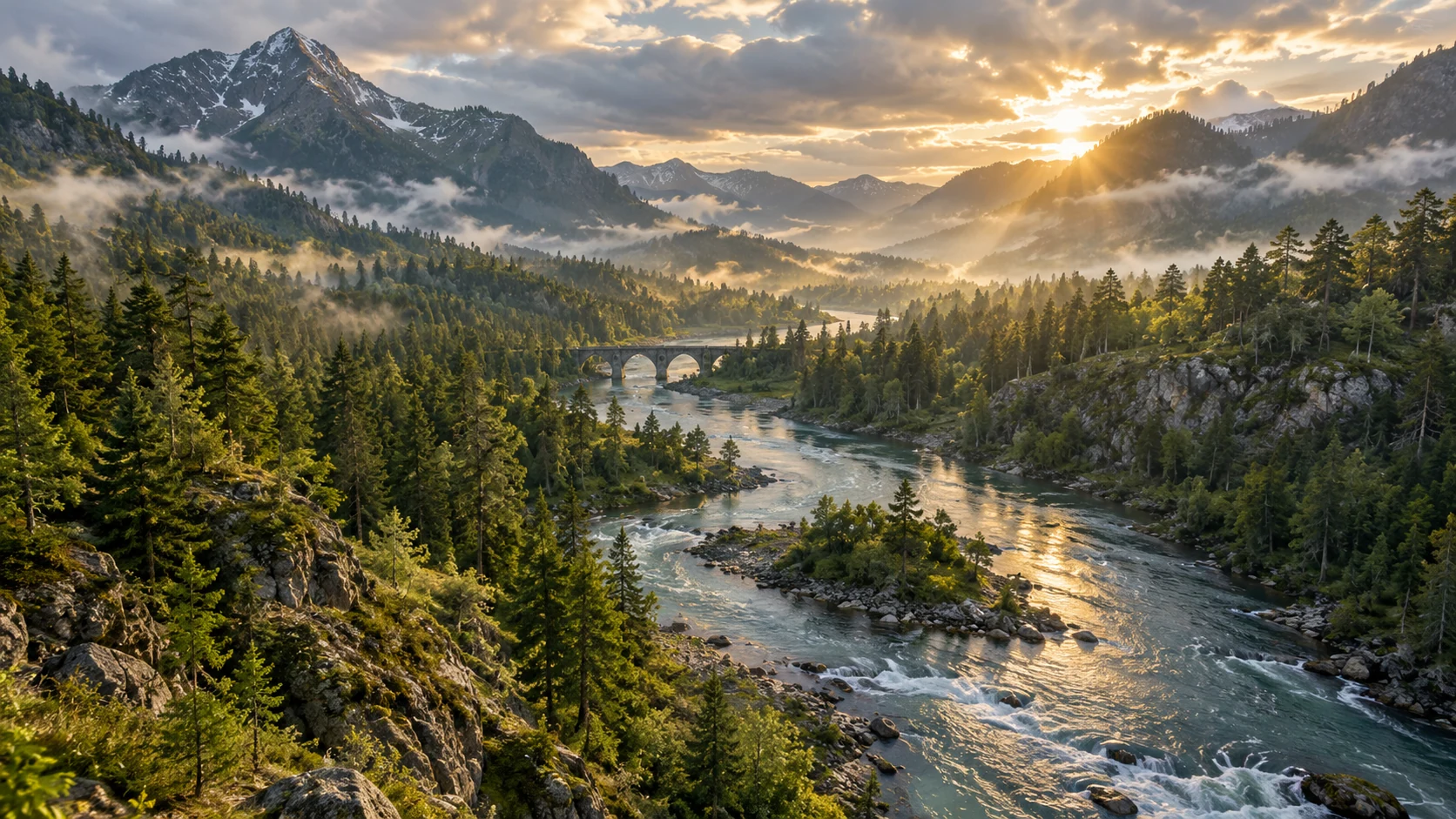
A reusable prompt explains how the viewpoint moves and what the subject does as distinct instructions.
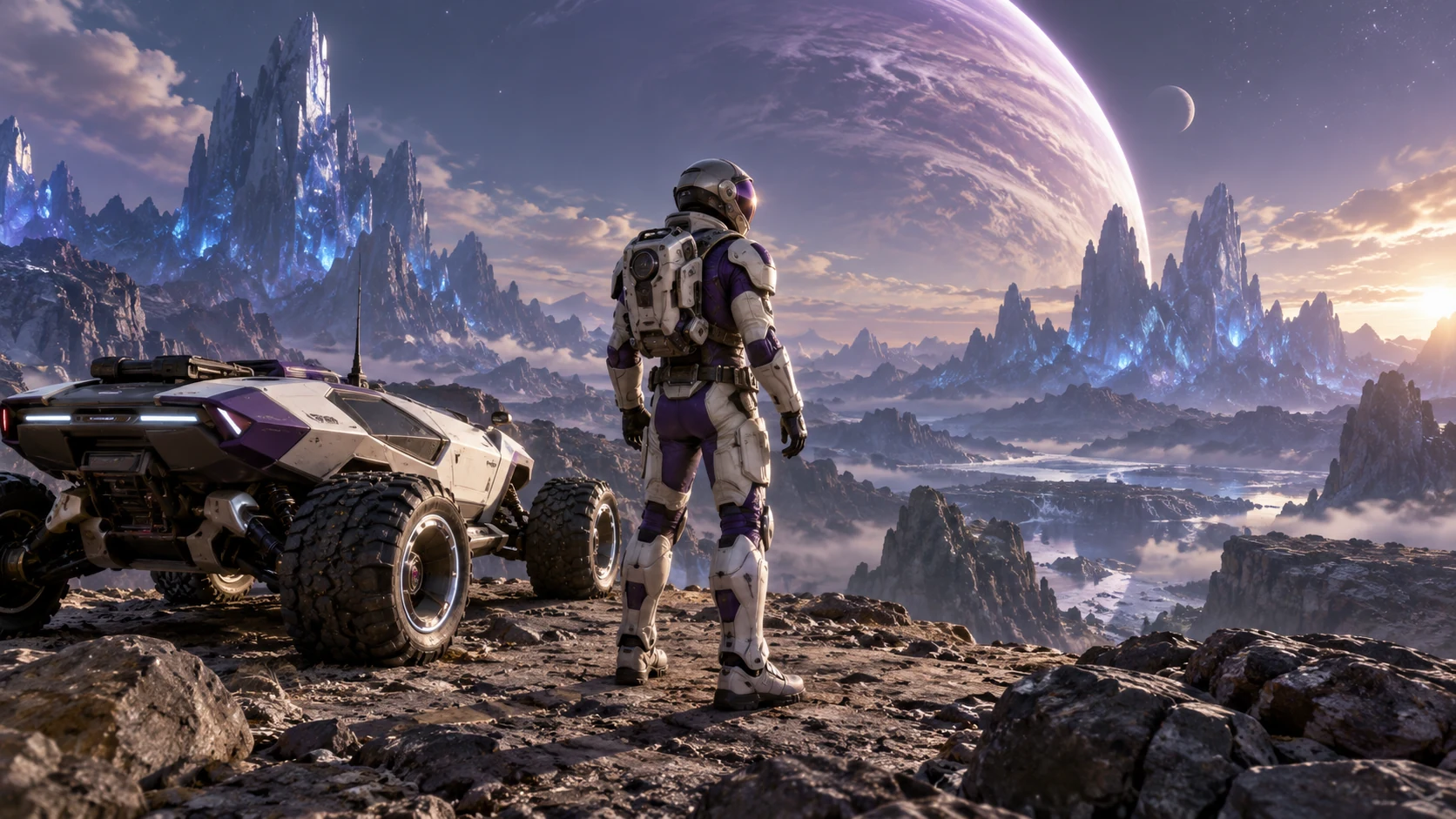
Confirm that the intended duration and reference mode are offered before submitting the adapted request.
Library illustrations show art direction and are not evidence that the chosen prompt produced that image or a guaranteed video.
Newly generated illustrations show possible art direction. Adapt the original briefs for your own inputs and compare the result.
A paper lantern drifting across a quiet mountain lake at dusk, one slow tracking shot, soft water sounds.
A ceramic cup on a rain-soaked cafe table; steam curls upward as the camera slowly pushes closer.
Animate this forest scene with a gentle breeze in the leaves and a subtle forward camera move; keep the path unchanged.
Keep the walking pace and camera path of the reference, changing the scene to a hand-painted coastal village at sunrise.
Replace the cloudy sky with warm evening light while preserving the subject, camera movement and ground shadows.
Continue the bicycle ride along the same riverside path; the camera follows smoothly as the rider approaches a small bridge.
Preserve the original composition and natural texture while preparing this landscape clip for a larger display.
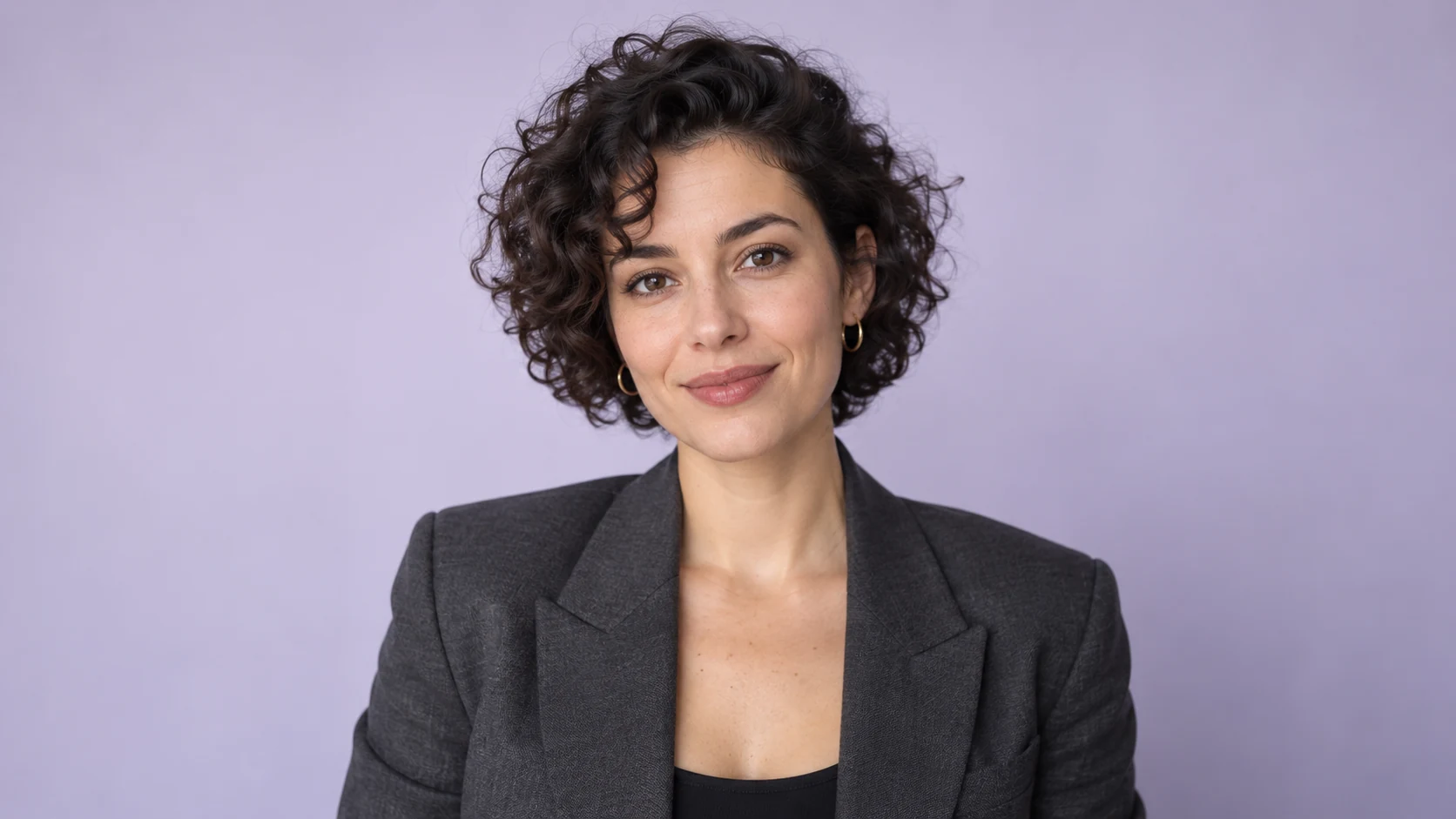
Keep the presenter and her gestures, removing only the room background for a new composition.
Use the supplied adult face reference while retaining the target performer's head movement, scene lighting and timing.
Align the presenter's mouth to the uploaded recording while keeping the original shot and gestures.
Animate the supplied portrait delivering the uploaded greeting with small facial movements and a calm expression.
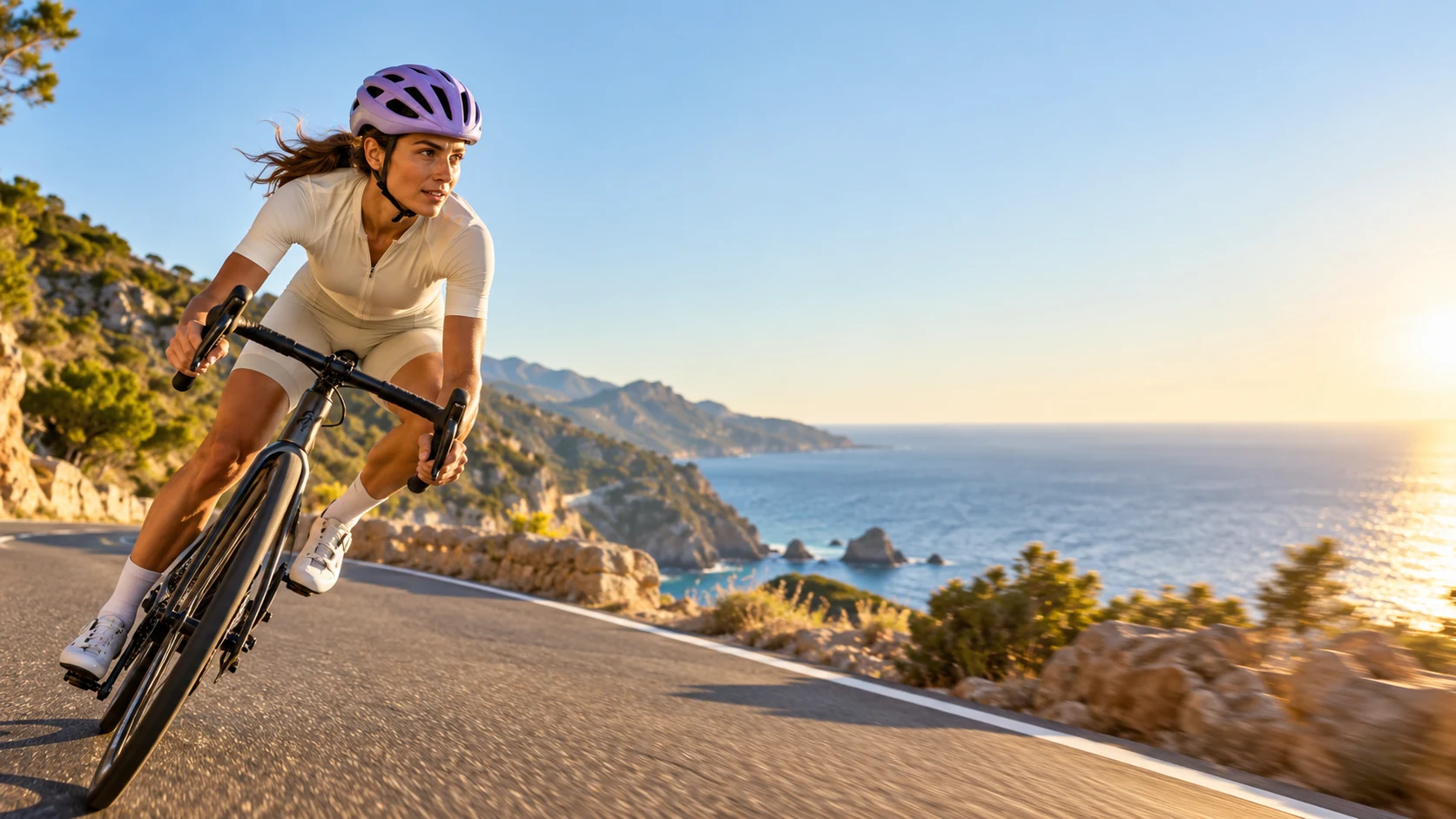
An adult creator at a kitchen table demonstrates a reusable glass bottle, natural window light, relaxed handheld framing.
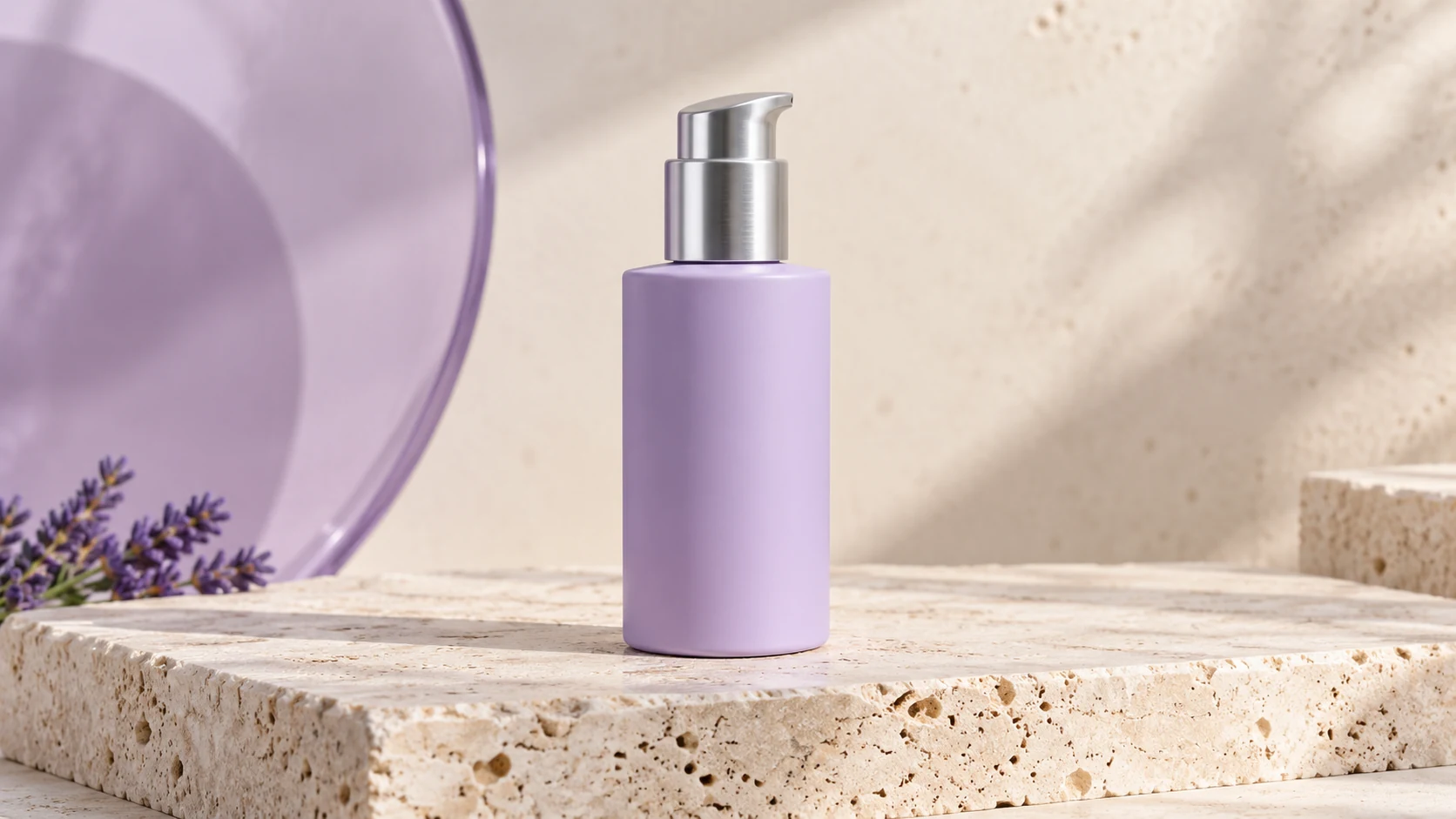
A compact desk lamp switches on in a dark study, revealing a warm pool of light; finish on a clean close-up of the lamp.
A slow orbit around a matte ceramic speaker on a stone plinth, revealing its fabric texture and control dial.

Abstract violet ribbons move slowly through a dark glass hall, rhythmic highlights and a steady forward camera.
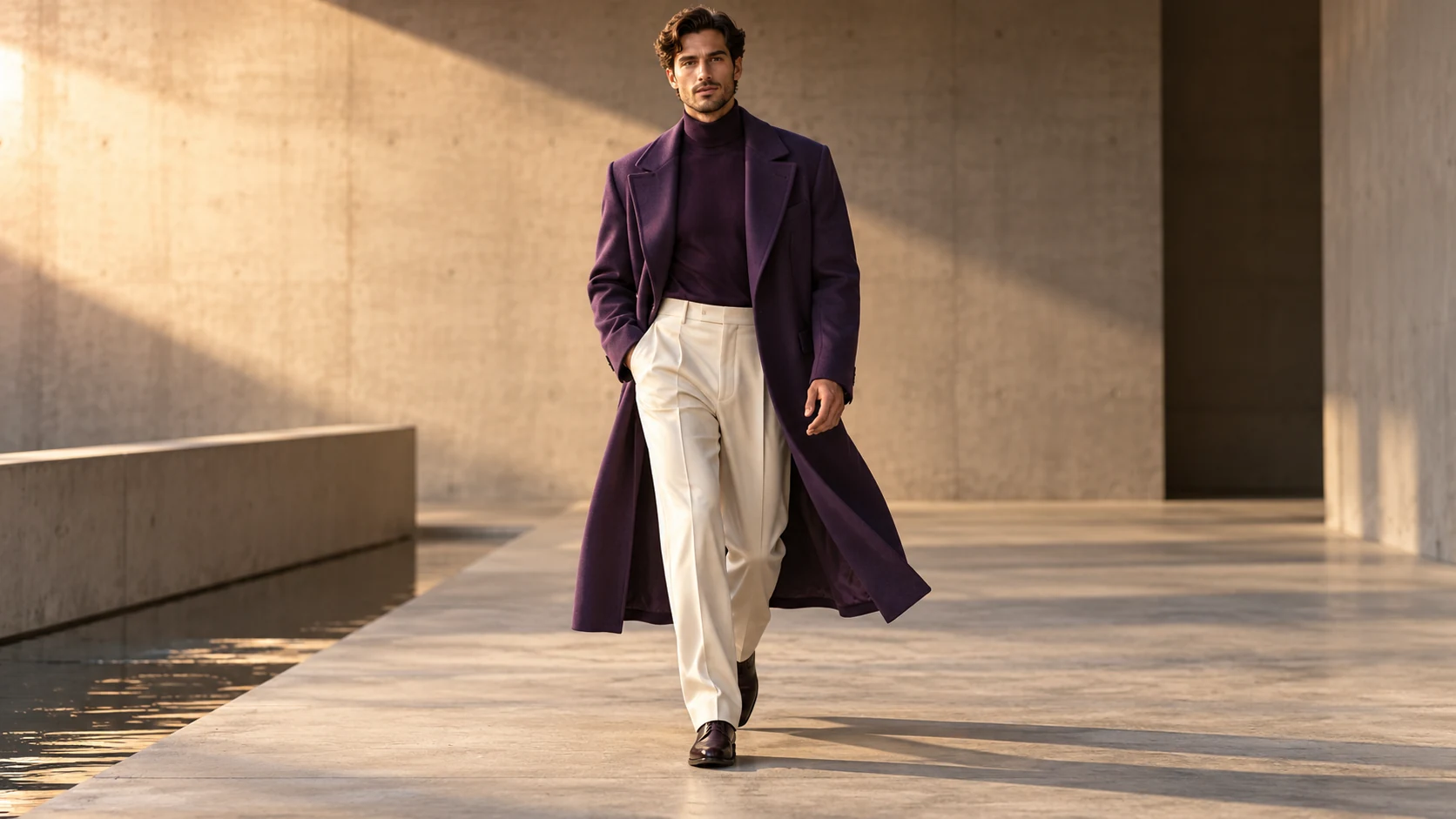
An adult dancer performs a gentle two-step in a sunlit studio, fixed wide camera and clearly visible feet.
Compare monthly plans, annual billing and one-time credit packs. Check allowances, credit expiry and the editor estimate before choosing paid access.
Billed once yearly · Cancel renewal anytime
0.025 / credit
$179 billed yearly · Save $179.8
 MiniMax H3
 HappyHorse 1.1
 Seedance 2.5
 Grok Imagine 1.5
 Gemini Omni
 GPT Image 2.5
 Seedream 5.0 ProNano Banana 2 LiteGPT Image 2Nano Banana 2
0.017 / credit
$299 billed yearly · Save $299.8
MiniMax H3HappyHorse 1.1Seedance 2.5Grok Imagine 1.5Gemini OmniGPT Image 2.5Seedream 5.0 ProNano Banana 2 LiteGPT Image 2Nano Banana 20.014 / credit
$599 billed yearly · Save $599.8
MiniMax H3HappyHorse 1.1Seedance 2.5Grok Imagine 1.5Gemini OmniGPT Image 2.5Seedream 5.0 ProNano Banana 2 LiteGPT Image 2Nano Banana 20.012 / credit
$1,199 billed yearly · Save $1,199.8
MiniMax H3HappyHorse 1.1Seedance 2.5Grok Imagine 1.5Gemini OmniGPT Image 2.5Seedream 5.0 ProNano Banana 2 LiteGPT Image 2Nano Banana 2Specialized operations stay separate from the model list.
MiniMax H3Live estimate in the editorHappyHorse 1.1Live estimate in the editorSeedance 2.5Live estimate in the editorGrok Imagine 1.5Live estimate in the editorGemini OmniLive estimate in the editorGPT Image 2.5Live estimate in the editorSeedream 5.0 ProLive estimate in the editorNano Banana 2 LiteLive estimate in the editorGPT Image 2Live estimate in the editorNano Banana 2Live estimate in the editorGeneration costs depend on the selected model, supported settings and configured provider. The editor shows the current estimate before submission.
Annual cards show a monthly-equivalent allowance. The full annual credit allowance is granted on successful payment and expires after 365 days; monthly credits are valid for 30 days. Credit-pack validity is shown on each card.
Browse original video prompts for subject action, camera movement and shot timing. Copy a brief into the generator, then adapt it to your selected model.